


Article Highlights
- HeyGen remains of the best free AI video generators 2026 the easiest tool for talking head avatar videos with realistic lip sync
- Google Veo 3 and Kling 3.0 lead in cinematic quality and native audio generation
- CapCut is still the strongest free option for creators who also need editing in the same app
- Seedance 2.0 stands out for multimodal input and character consistency across scenes
- Runway Gen-4 and Luma Dream Machine remain excellent for visual stylization and motion control
Curtain-Raiser

I have spent the last several weeks testing every major AI video tool available right now, and I wanted to put together an honest, experience-based breakdown of what actually works. There are dozens of platforms claiming to be the best free AI video generator, but most of them either limit you too quickly or produce results that look obviously synthetic. After running the same prompts across ten different tools, I found a clear gap between the ones built for short-term hype and the ones built for real production use.
This guide on Paradox Technology Guide ranks the best free AI video generators 2026 based on actual output quality, ease of use, free tier limits, and how natural the final video looks. Whether you need a quick social clip, a voiceover-heavy explainer, or a cinematic short scene, you will find a tool here that fits your workflow.
1. HeyGen
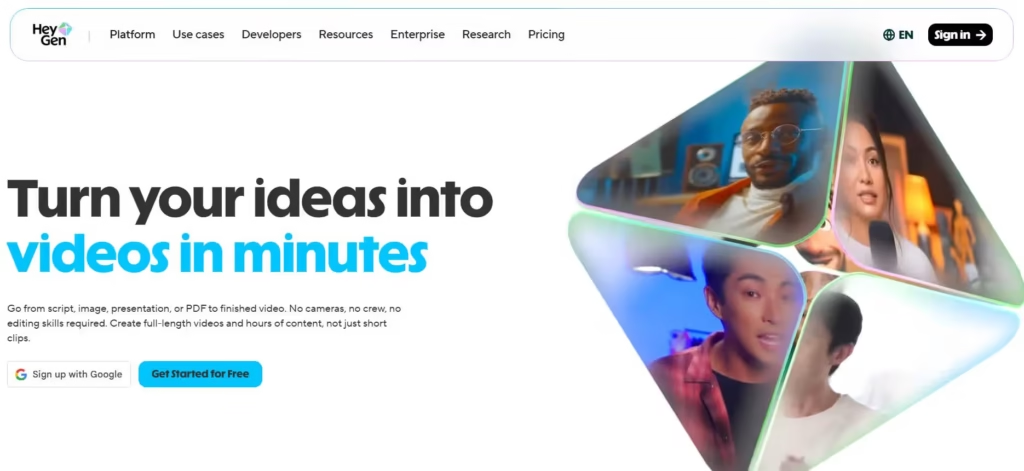
HeyGen has become my default choice whenever I need a talking avatar video. The free plan gives you enough credits to test the realistic lip sync and natural facial expressions before deciding if a paid plan makes sense. What stood out to me during testing is how well the mouth movements match the audio, even when I used a script with unusual pronunciation or technical terms.
This tool is best suited for training videos, product explainers, and marketing content where you need a presenter on screen without filming anyone. If you are searching for the best free AI video generator for business-style content, HeyGen deserves a spot near the top of your list.
2. Google Veo 3
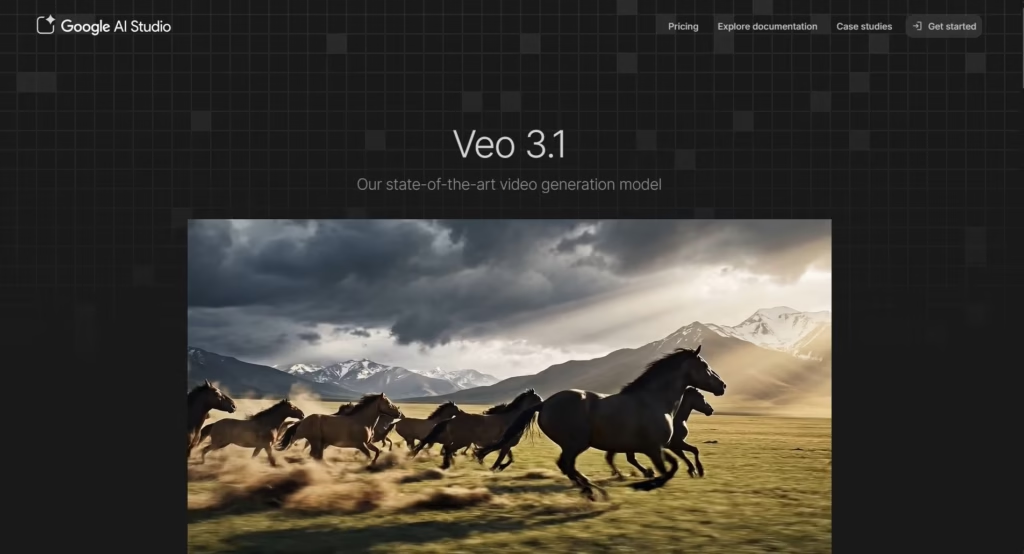
Google Veo 3 is one of the most capable models I tested this year. The video output feels physically accurate, meaning objects move with proper weight and characters do not float or glitch the way older AI video tools used to. Veo 3 also generates synchronized audio directly with the video, including background sound and dialogue, which removes a lot of post-production work.
The free access through Google’s AI tools is limited compared to the paid tier. Still, even a handful of generations is enough to see why this model is considered one of the best free AI video generators 2026 has introduced so far. If realism is your priority, Veo 3 is hard to beat.
3. CapCut
CapCut continues to be one of the most practical tools for creators who want to generate and edit inside one app. I personally use it when I need to combine AI-generated clips with my own footage, add captions, and publish directly to social platforms. The free plan includes a generous number of AI video credits along with templates that speed up the entire process.
What makes CapCut different from pure generation smart tools is that it does not force you to leave the app to finish your video. For anyone asking which is the best free AI video generator, offline-friendly with mobile support, CapCut is one of the few that genuinely works well on phones, too.
4. Seedance 2.0
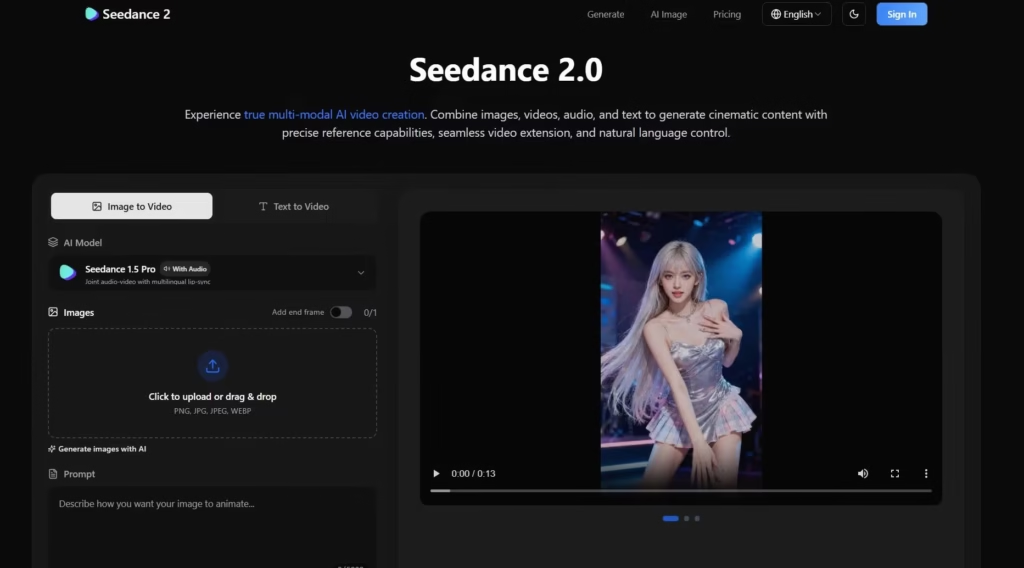
Seedance 2.0 surprised me the most during testing. It accepts text, images, video, and audio all as references in a single generation, which means you can show it a motion clip and ask it to apply that same movement to your own character. Character consistency across faces, clothing, and even on-screen text held up well across multiple test runs.
The native audio generation is also genuinely useful, producing sound effects and ambient noise that match the action without extra editing. If you are comparing the best free AI video generators 2026 has to offer for multimodal creative control, Seedance 2.0 is currently one of the strongest options on the market.
5. InVideo AI
InVideo AI takes a slightly different approach by focusing on full video assembly rather than just short clips. I used it to turn a written script into a structured video complete with scenes, voiceover, and background music. The free tier is limited in export quality, but it is more than enough to test whether the workflow fits your needs.
This tool works best for YouTube-style content, tutorials, and presentations where you need a complete video rather than a single generated clip. It is a solid pick if you want the best free AI video generator for long-form structured content.
6. Kling 3.0

Kling 3.0 has quickly become one of my favorite tools for cinematic storytelling. It introduced a unified system that handles video, audio, and image generation together instead of stitching separate tools, and the difference shows. During testing, I was able to generate multi-shot sequences with consistent characters across different camera angles, something that used to require heavy manual editing.
The native 4K output and up to fifteen-second clips with synchronized dialogue make Kling 3.0 feel closer to a directing tool than a basic clip generator. For creators chasing the best free AI video generators 2026 for narrative-driven content, Kling 3.0 sets a high bar.
7. Pika
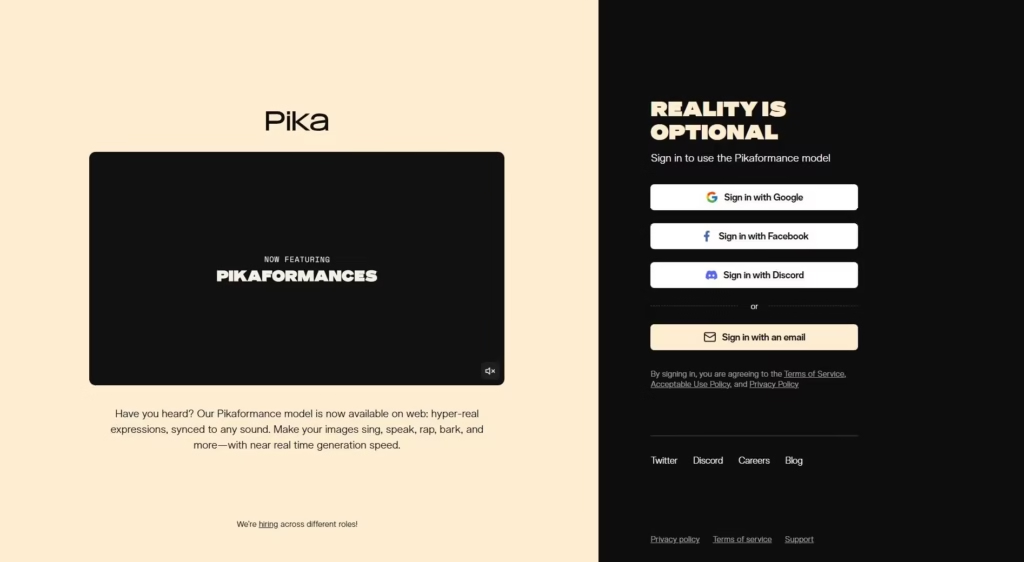
Pika remains a fun and approachable option, especially for short stylized clips and creative effects. I tested it for quick social content and found the interface to be one of the simplest among all the tools on this list. It is not built for long cinematic sequences, but for quick turnaround content it performs reliably.
If you are new to AI video generation and want something approachable before moving to more advanced tools, Pika is a comfortable starting point.
8. Runway Gen-4
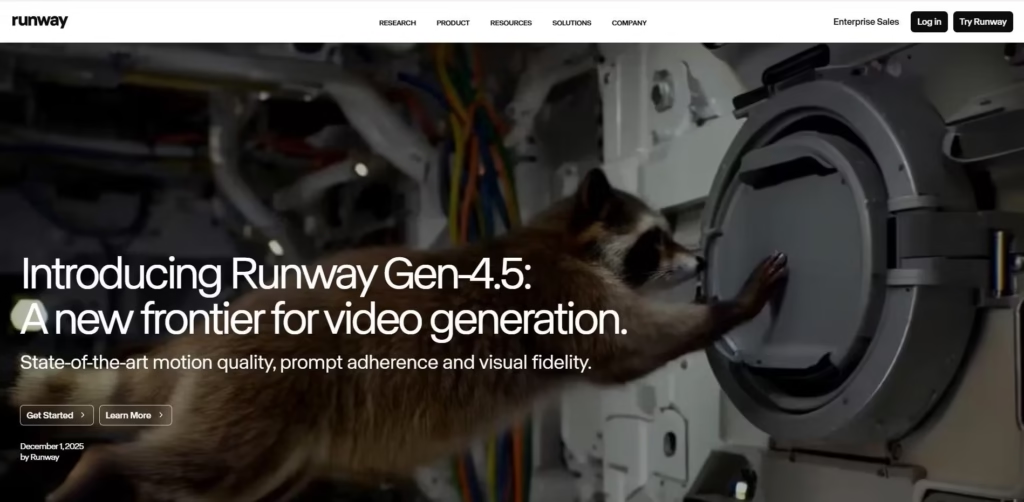
Runway has long been a favorite among professional creators, and Gen-4 continues that reputation. What I appreciate most is the level of control over camera movement and stylistic direction. During testing, I found it easier to guide specific motion paths compared to several competitors, which makes it useful for more deliberate, art-directed projects.
The free tier is limited in generation length, but the quality per clip is consistently high. Runway Gen-4 is a strong choice for filmmakers and designers who want precision over speed.
9. Luma Dream Machine
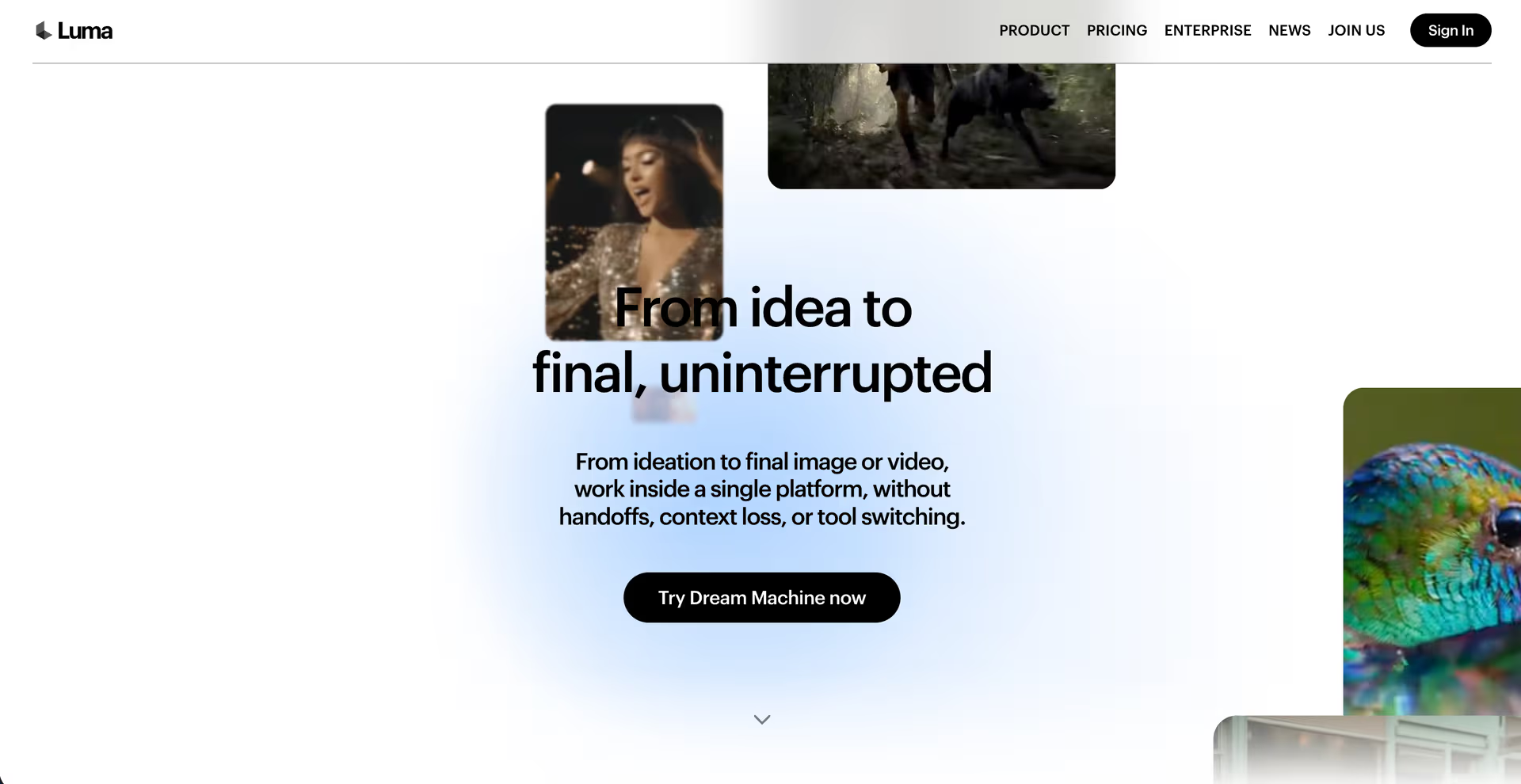
Luma Dream Machine focuses heavily on smooth motion and visual coherence. I tested it mainly for nature scenes and abstract visuals, and the output held together well even with complex movement. It is not the most flexible tool for character-driven storytelling, but for atmospheric and visually driven content, it performs impressively.
This tool fits well into a workflow where visual mood matters more than dialogue or narrative structure.
10. Hailuo AI
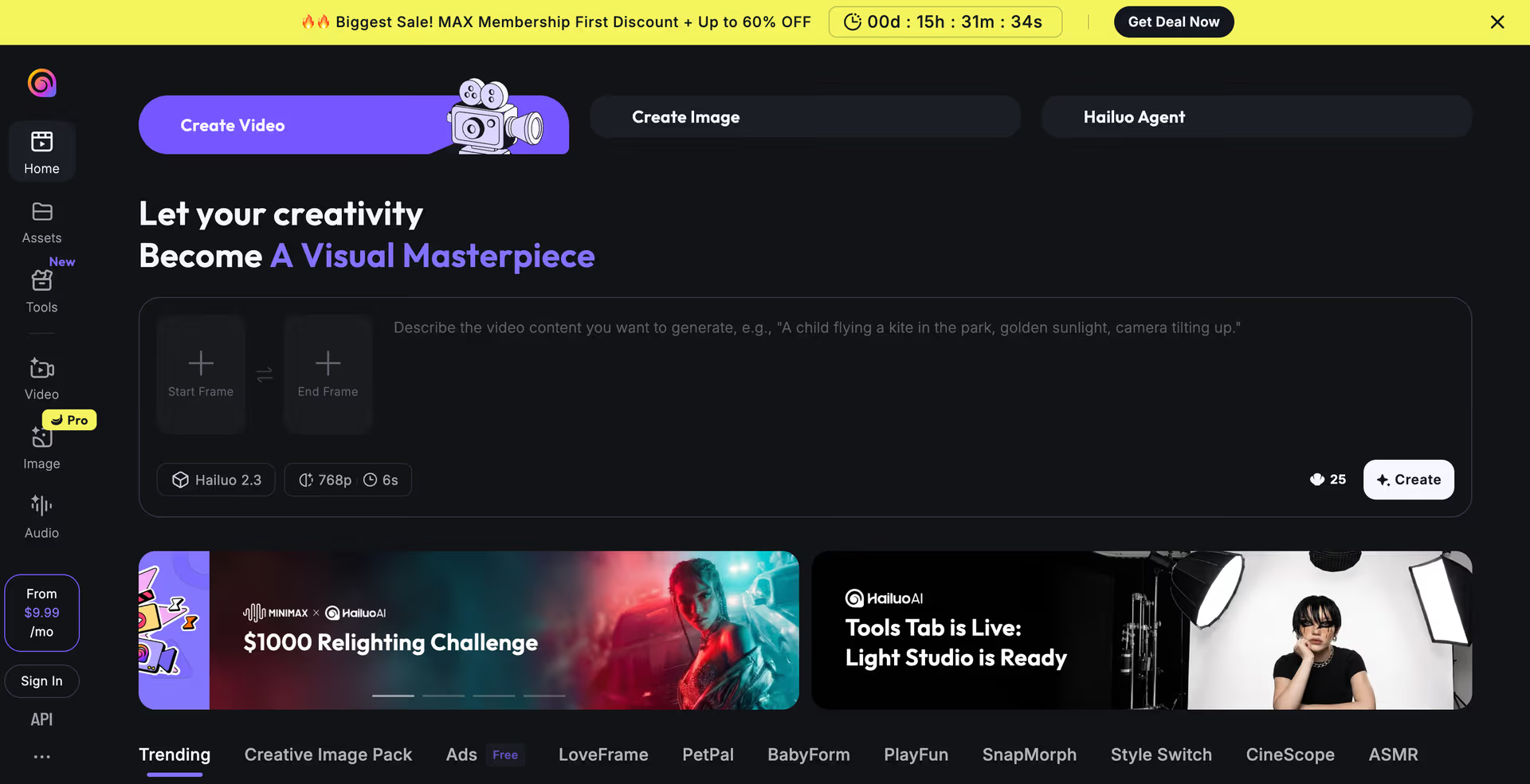
Hailuo AI rounds out this list as a dependable option for quick generation with decent visual quality. During my testing, it handled simple prompts well and produced clean results without major artifacts. It may not match the depth of Kling 3.0 or Seedance 2.0 in terms of features, but it remains a reliable free option for everyday content needs.
How I Tested These Tools
I ran the same set of prompts across each platform, covering a mix of talking head content, cinematic scenes, product style clips, and short narrative sequences. I paid close attention to motion accuracy, character consistency, audio synchronization, and how generous each free tier actually was. This approach helped separate tools built on genuine technical strength from tools that look good in marketing demos.
Which Tool Should You Choose
If you need a presenter-style video, HeyGen is the easiest path. If realism and native audio matter most, Google Veo 3 and Kling 3.0 are currently leading the pack. For editing combined with generation, CapCut remains unmatched. And if you want maximum creative control over references and consistency, Seedance 2.0 is one of the most exciting tools released this year.
There is no single best free AI video generator for every situation, but based on hands-on testing, these ten tools represent the strongest free options available right now.
My Personal Opinion
AI video generation has improved significantly, and the gap between free and paid tools has narrowed in some areas while widening in others. After spending real time with each platform, my recommendation is to match the tool to your specific goal rather than chasing whichever one is trending. Whether you prioritize realism, speed, editing convenience, or creative control, this list of the best free AI video generators 2026 should give you a clear starting point.