


Article Highlights / Key Points
- The iOS 27 Beta 1 update is bricking iPhone 15 Pro and iPhone 15 Pro Max devices after a force restart, leaving screens completely black and unresponsive.
- Multiple users have confirmed the issue, and it was even reproduced on an iPhone 15 Pro Max running the first developer beta.
- The only known solution at this time is restoring the device through DFU (Device Firmware Update) mode using a Mac or Windows PC.
- Restoring through DFU will erase all data, so having a recent iPhone backup is critical before attempting any beta installation.
- Apple has not released an official fix yet, and users who cannot enter DFU mode may need to contact Apple Support or visit a certified technician.
iOS 27 Update Bricking iPhone?
If you have been thinking about jumping on the iOS 27 Beta 1 update right after Apple announced it at WWDC 2026, I would strongly suggest you pause for a moment. I know the excitement is real. Every year, Apple drops something new, and we all want to get our hands on it as fast as possible. But this time around, the iOS 27 update bricking iPhone devices has become a serious problem that a lot of people are running into, and it is something you absolutely need to be aware of before you tap that install button.
Let me walk you through what is actually happening, why it is happening, and what you can do if you are already stuck in this situation.
What Is Going On With iOS 27 Beta 1?
Apple unveiled iOS 27 at its annual Worldwide Developers Conference this year, and as expected, the developer beta dropped shortly after. If you are enrolled in Apple’s developer program, you would have been able to install it right away. Many people did.
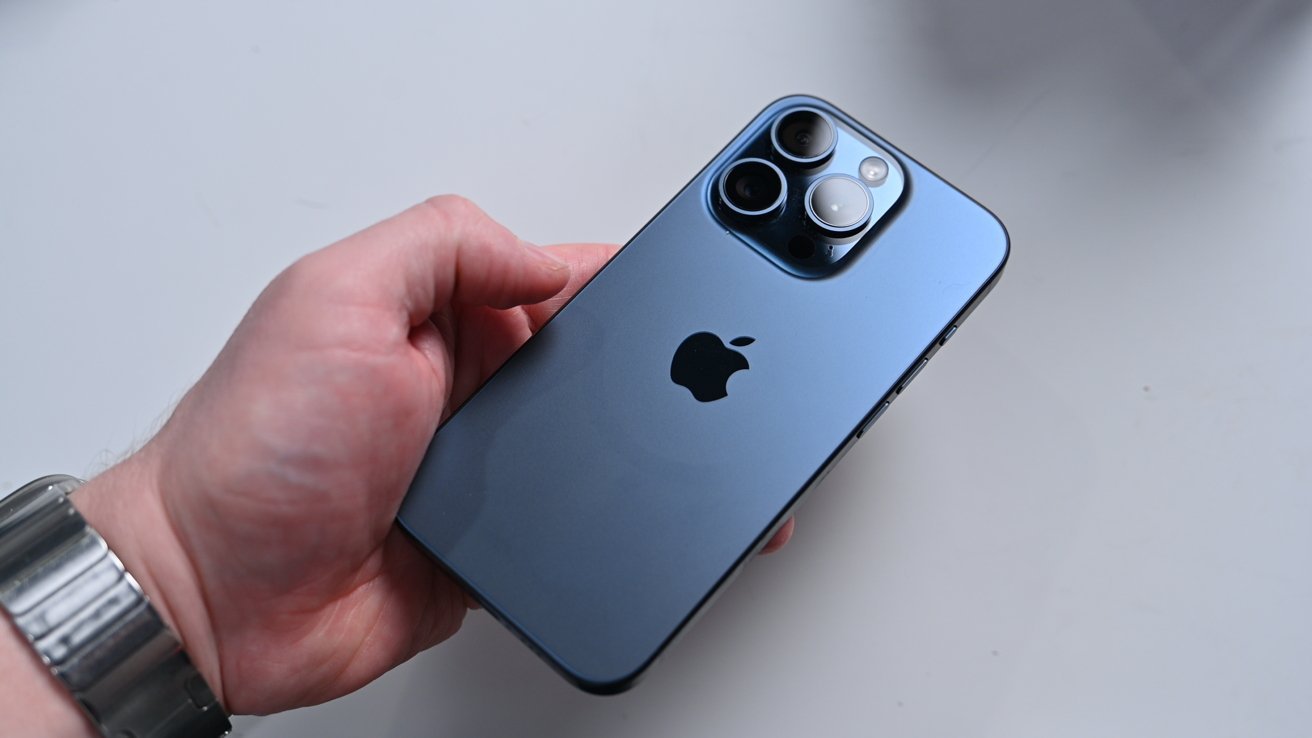
And some of those people quickly discovered a frustrating and alarming issue: after performing a force restart on their iPhone 15 Pro or iPhone 15 Pro Max, their devices went completely dark. No Apple logo. No charging indicator. Nothing.
The iOS 27 update bricking iPhone 15 Pro models appears to be directly triggered by the force restart action. Once the phone goes black, it does not come back on its own. Plugging it into a charger does not help either. The device sits there, unresponsive, as if it has no life left in it at all.
This is not just a one-off situation affecting a small handful of people. Multiple iPhone 15 Pro owners have shared their experiences, and the issue has been reproduced on an iPhone 15 Pro Max running iOS 27 developer beta 1. That is a significant detail because it means this is a real, repeatable bug and not just bad luck for a few isolated users.
Why is iOS 27 Bricking Older iPhone Models?
Here is what makes this situation particularly tricky: it is unclear exactly what causes the bug at a deeper technical level. Beta software is, by nature, unfinished. It gets released to developers so that issues exactly like this one can be identified and reported. That is the whole point of the beta testing process. However, that also means regular users who install it are accepting a real risk, especially if they are on an older device like the iPhone 15 series.
The iOS 27 update bricking iPhone units in the 15 Pro lineup suggests that something in the beta’s code does not interact well with these particular devices during a force restart sequence. Whether it is a firmware issue, a software conflict, or something related to the device’s bootloader, the result is the same: a phone that will not turn on.
At Technology, we always emphasize the importance of waiting for stable releases before updating, and this situation is a clear reminder of why that advice matters so much.
What Should You Do If Your iPhone Is Already Bricked?
If you are reading this after already updating and your iPhone 15 Pro is now a very expensive black rectangle, do not panic just yet. You may be able to recover it, and here is how.
The method that has worked for many affected users involves putting the iPhone into DFU mode, also known as Device Firmware Update mode, and restoring it through a Mac or a Windows PC. This process is not something Apple does automatically for you. It requires some careful steps, and it helps to know what you are doing before you start.
Before anything else, you need a Mac with Finder open or a Windows PC with either the Apple Devices app or iTunes installed. You will also need a data cable to connect your iPhone to the computer. Once everything is ready, you enter DFU mode through a specific button combination on the iPhone itself: press and quickly release the volume up button, then press and quickly release the volume down button, then press and hold the side button for about five seconds.
Without letting go of the side button, press and hold the volume down button as well. After another five seconds, release only the side button while continuing to hold the volume down button.
If done correctly, your computer should detect the iPhone in DFU mode. From there, you select the option to restore the device. The process takes a few minutes and, when successful, brings your iPhone back to life running iOS 26.5, which is the stable version.
However, and this is very important: restoring through DFU erases everything on your phone. Every app, photo, message, and setting gets wiped. If you had a backup in iCloud or on your computer before installing the beta, you can restore that backup afterward. If you did not, that data is gone.
What If DFU Mode Does Not Work?
Some users have reported that they were not able to enter DFU mode even after following the steps correctly. This is where things get more difficult. If DFU mode does not work on your device, reaching out to Apple Support directly or visiting an Apple Store or an Apple authorized service center is your best next move. Trained technicians have additional tools and methods for handling situations like this, and in most cases, they can recover or replace the device.
What You Should Do Right Now
If you have not yet installed iOS 27 Beta 1 and you own an iPhone 15 Pro or iPhone 15 Pro Max, my honest recommendation is to hold off. The iOS 27 update bricking iPhone devices in this series is a confirmed issue, and there is simply no reason to risk it at this stage. The public release of iOS 27 is expected in September, and by then, Apple will have had months to fix bugs exactly like this one.
If you are determined to try the beta regardless, make sure you have a full, up-to-date backup of your iPhone before you install anything. Back it up to iCloud, back it up to your Mac or PC, and then back it up again just to be safe. The iOS 27 update, which is bricking iPhone models without warning, is the kind of thing that turns into a nightmare if you are not prepared.
Also worth noting: it is currently unclear whether this issue affects the standard iPhone 15 models or only the Pro variants. Until there is more clarity on that, treating all iPhone 15 models with caution when it comes to this beta is a smart approach.
The Bigger Picture
Every year, Apple pushes the boundaries with a major iOS release, and every year, the first developer beta comes with rough edges. That is normal. Beta software is not finished software. The problem arises when people who are not developers, or who are using their primary device, install these early builds and face consequences like a bricked phone.
The iOS 27 update bricking iPhone devices serves as a strong reminder that patience with software updates, especially major ones, is genuinely worth it. Wait for the public beta in July. Better yet, wait for the stable release in September. Your apps, your photos, and your peace of mind will thank you for it.
If you have already been affected by this issue or you have managed to recover your device using DFU mode, sharing your experience in the comments helps other users know they are not alone and gives them a path forward.
Stay informed and back up your iPhone before every major update.