
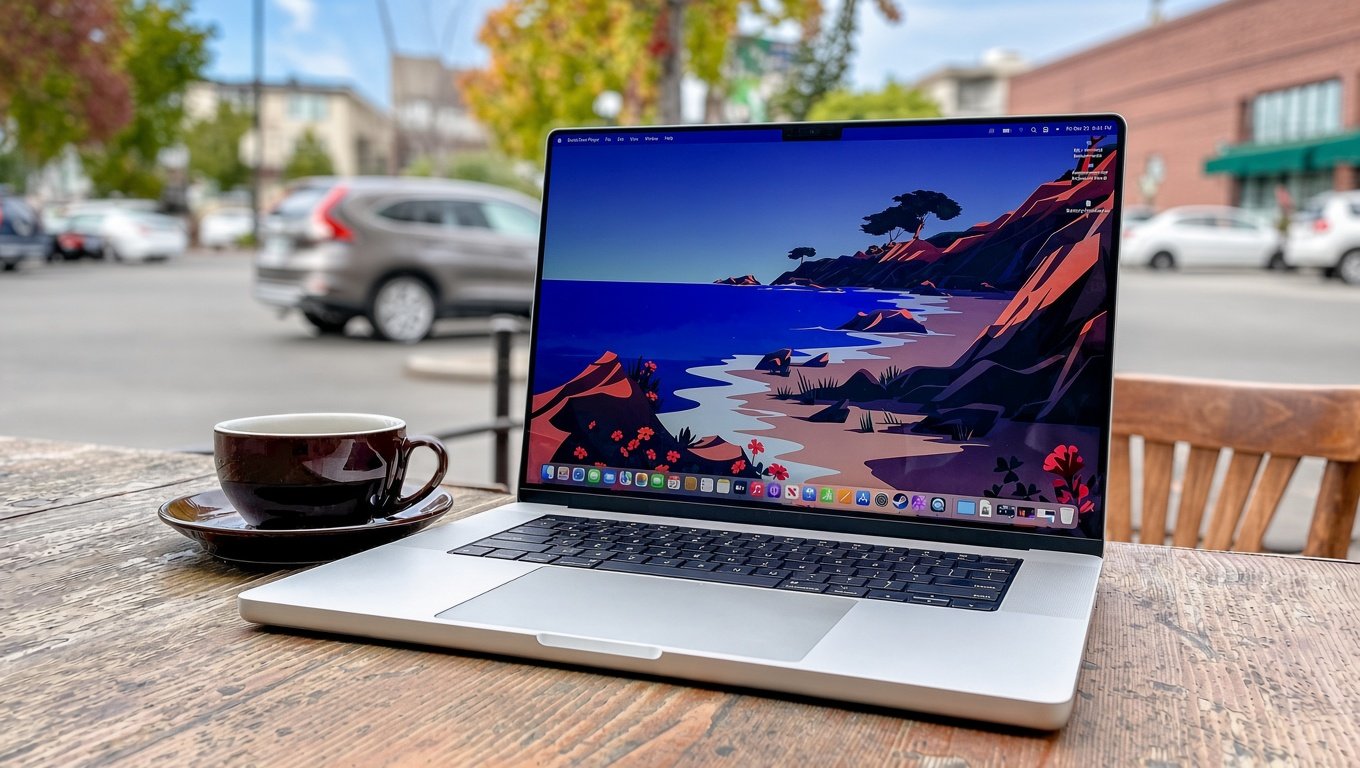


The MacBook Pro has built a strong reputation among professionals, content creators, developers, and everyday users who want premium performance in a laptop. Apple combines its own processors, macOS software, display technology, and hardware design to create an experience that differs from most Windows laptops.
However, saying that a feature does not exist anywhere in the Windows world requires some clarification. Windows laptops come in many forms, and some premium models offer comparable hardware or capabilities. The real difference often lies in how Apple integrates its technology into one system.
In this article, we explore five standout MacBook Pro Features that are particularly distinctive to Apple’s laptops and are difficult to find in the same integrated form on Windows devices. These differences can matter when choosing a laptop for professional work, creative projects, or everyday productivity.
1. Apple Silicon Designed for macOS
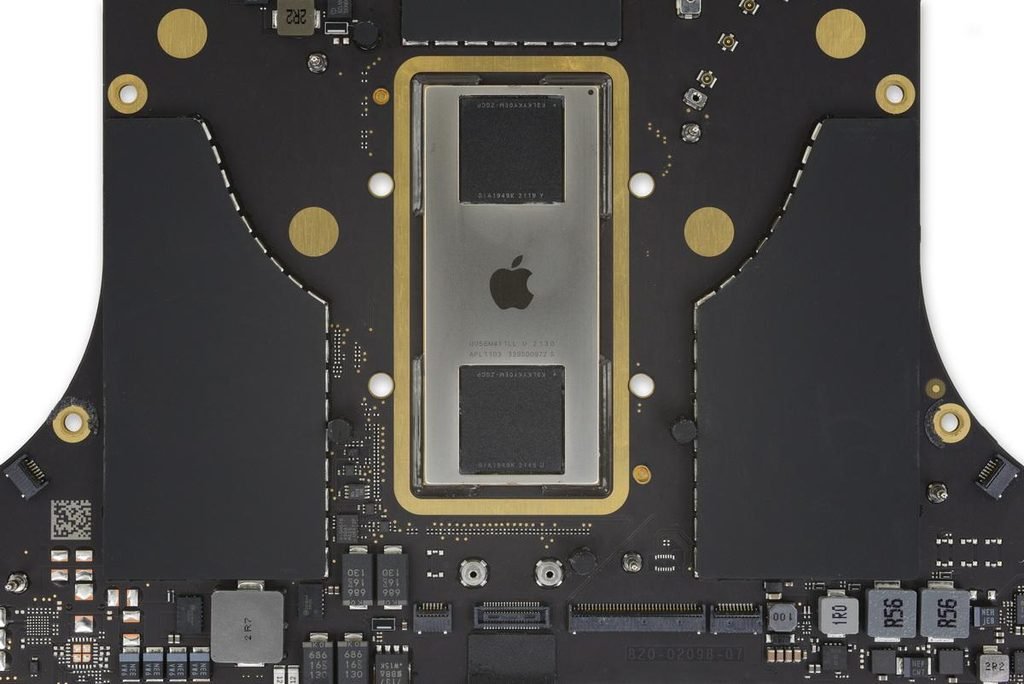
One of the most important MacBook Pro Features is Apple’s custom silicon. Instead of relying on processors designed by Intel or AMD, modern MacBook Pro models use Apple’s M series chips, which combine CPU, GPU, memory architecture, and other components into a tightly integrated system.
This approach allows Apple to optimize performance, power consumption, and macOS together. Depending on the model and workload, a MacBook Pro can handle demanding tasks such as video editing, software development, photo processing, and multitasking while maintaining impressive battery efficiency.
Another advantage is unified memory. Rather than using separate pools of system memory and graphics memory in the traditional way, Apple Silicon allows the CPU and GPU to access a shared memory pool. This can benefit applications that work with large video files, complex graphics, or machine learning workloads.
Windows laptops can also deliver excellent performance, and some offer powerful dedicated graphics cards that are better suited to particular gaming and professional applications. Apple’s advantage is its close integration of processor, operating system, and supported software.
For users who spend hours editing videos, compiling code, or working with large creative projects, this integration is one of the most valuable MacBook Pro Features to consider.
2. Liquid Retina XDR Display With ProMotion Technology
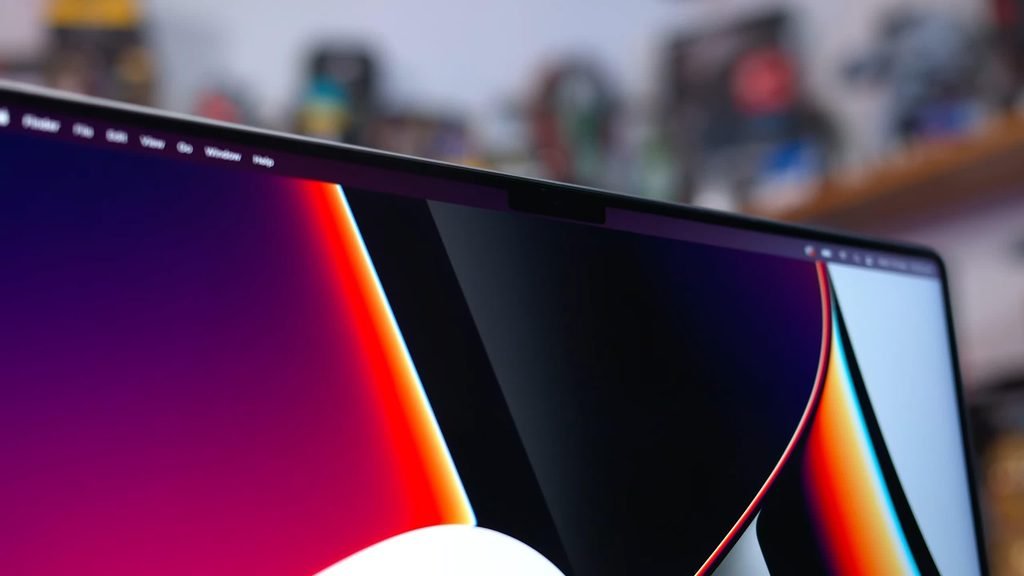
The display is another area where the MacBook Pro stands out. Apple’s Liquid Retina XDR display combines high brightness, strong contrast, wide color support, and adaptive refresh rates to deliver a premium viewing experience. These qualities make it particularly appealing to photographers, video editors, designers, and people who spend long hours working on visual content.
One of the most notable MacBook Pro Features is ProMotion, which supports adaptive refresh rates of up to 120Hz. Scrolling through long documents, moving windows, and navigating supported applications can feel smoother than on a conventional 60Hz screen.
The display also supports HDR content with peak brightness of up to 1,600 nits for compatible HDR material. Its wide P3 color gamut and support for one billion colors help produce detailed images with rich colors and realistic highlights. Apple specifies a contrast ratio of up to 1,000,000 to 1 for the Liquid Retina XDR display.
Windows laptops are not automatically behind in this category. Some premium Windows models feature OLED panels, high refresh rates, and excellent HDR performance. What makes the MacBook Pro distinctive is the particular combination of display characteristics, macOS integration, and Apple’s professional hardware design.
For anyone working with photographs, HDR video, or color-sensitive creative projects, these MacBook Pro Features can make a meaningful difference in everyday work.
3. Seamless Integration With the Apple Ecosystem
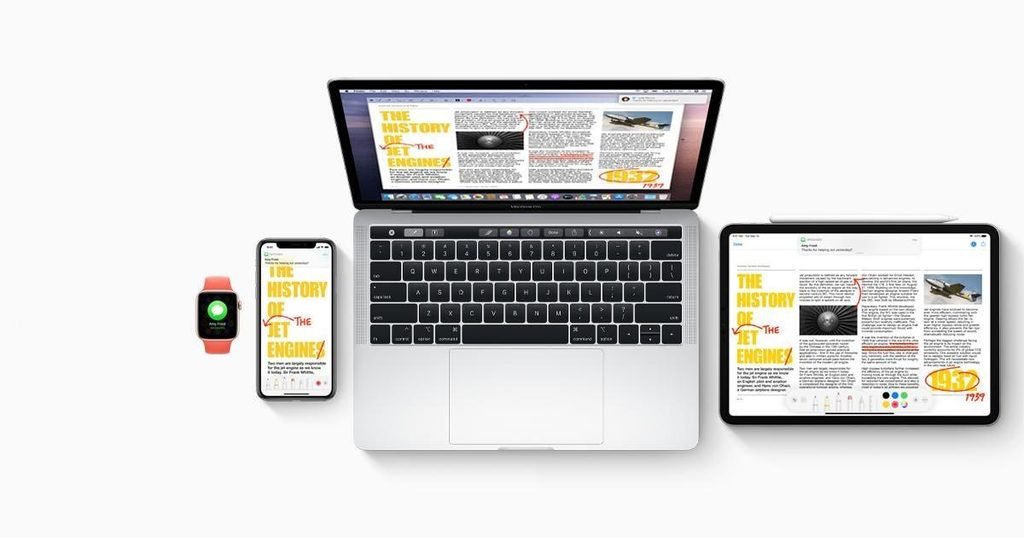
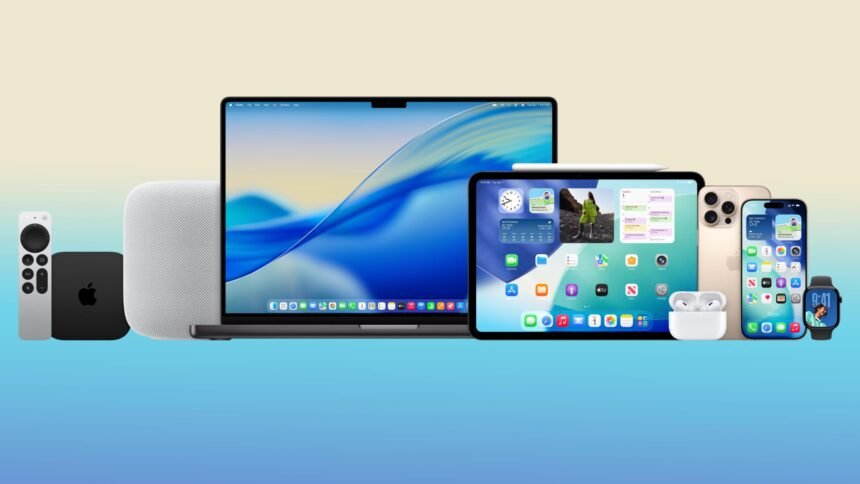
A third major advantage is the way a MacBook Pro works with other Apple devices. Although Windows laptops can connect with smartphones and tablets, Apple’s ecosystem provides a particularly cohesive experience for people who already own an iPhone, iPad, or other Apple products.
Features such as AirDrop make it easy to transfer supported files between compatible devices. Universal Clipboard allows users to copy content on one Apple device and paste it on another. Handoff lets users continue supported activities across devices, while Continuity Camera can turn a compatible iPhone into a webcam for a Mac.
These capabilities can reduce interruptions throughout the working day. For example, a content creator can capture photographs on an iPhone, transfer them to a MacBook Pro, edit them, and share the finished work without repeatedly connecting cables or manually moving files through different services.
Other useful capabilities include using an iPad as a secondary display through Sidecar and answering supported phone calls on a Mac when the required devices and settings are in place.
These are among the most practical MacBook Pro Features for users who work across multiple Apple devices. They are not impossible to replicate in a Windows environment, but the exact combination and integration can differ considerably.
The biggest benefit is convenience. When devices communicate smoothly, users can spend less time managing files and more time completing their work.
4. Strong Battery Efficiency During Demanding Work
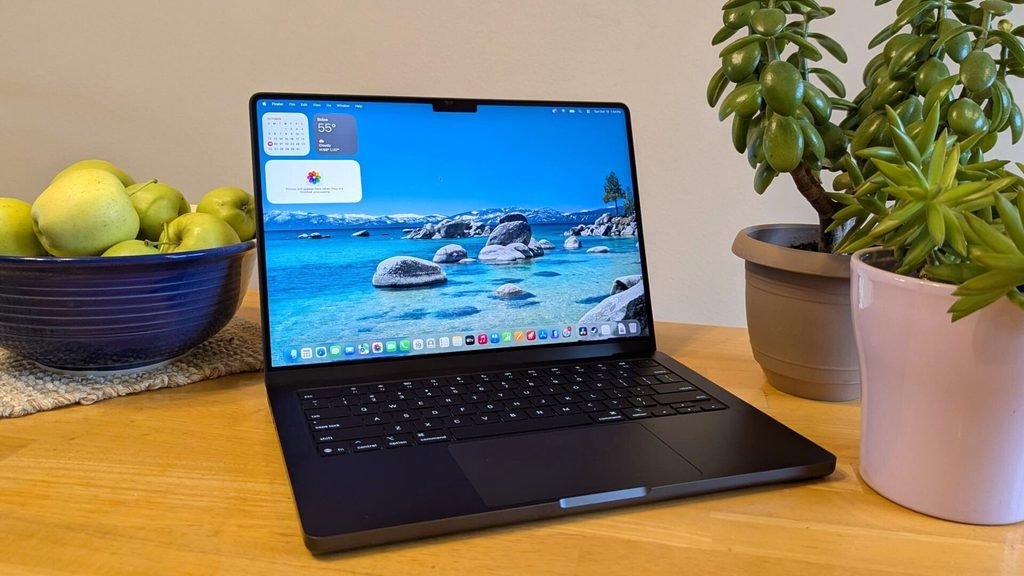
Battery life is an important consideration for anyone who works away from a desk. A powerful laptop is less useful when it needs to remain connected to a charger throughout the day. Apple Silicon has helped make power efficiency one of the most attractive MacBook Pro Features.
Apple’s published specifications for current MacBook Pro configurations advertise up to 24 hours of video streaming on certain models. Actual battery life depends on the chip, display settings, applications, workload, wireless activity, and other conditions.
The key advantage is that the MacBook Pro can combine substantial computing power with efficient operation. Tasks such as browsing, writing, managing documents, and viewing videos generally place different demands on a system than intensive video rendering or complex development workloads.
For professionals who travel frequently, attend meetings, work from cafés, or move between different locations, reliable battery performance can make a real difference. It can also reduce the need to carry a charger everywhere.
Windows laptops have improved considerably, and some models offer excellent battery life. Gaming laptops and other systems with powerful dedicated graphics may consume considerably more power during demanding tasks, although results vary by device.
The important point is that battery efficiency is not exclusive to Apple. Rather, the balance between performance and power consumption is one of the MacBook Pro Features that makes Apple’s implementation appealing to many professionals.
5. Dedicated Media Hardware for Professional Creative Work
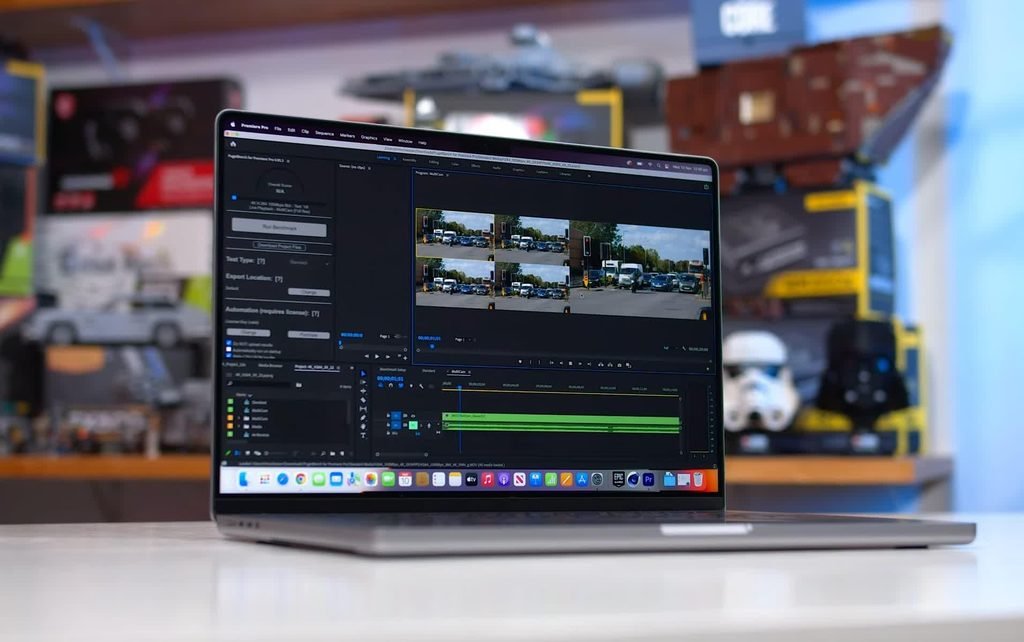
The fifth feature is Apple’s integration of dedicated media processing hardware into its silicon. This is particularly relevant to people who edit video, produce content, or work with high-resolution media files.
Supported Apple Silicon chips include hardware acceleration for video formats such as H.264, HEVC, and ProRes. Depending on the chip and application, specialized media engines can help speed up video encoding and decoding without relying entirely on general-purpose CPU processing.
For a video editor, this can mean smoother playback, more efficient handling of supported footage, and faster completion of certain export tasks. The benefits are especially noticeable when working in applications that are optimized for Apple’s hardware.
The MacBook Pro also appeals to creative professionals because its display, speakers, microphones, and performance capabilities are integrated into one portable system. Users can review footage, edit audio, and prepare content without necessarily connecting a large collection of external equipment.
Windows laptops can also include dedicated media engines and powerful graphics hardware. Some are better suited to particular editing applications, three-dimensional rendering tools, or specialized production workflows. Therefore, the difference is not that Windows lacks professional media processing. It is the way Apple combines its supported media hardware with its operating system and compatible applications.
For creators who regularly work with supported ProRes footage and use software optimized for Apple Silicon, this is one of the most useful MacBook Pro Features to evaluate before buying a laptop.
Are MacBook Pro Features Better Than Windows Laptop Features
The answer depends on how you use your computer. The MacBook Pro offers a distinctive combination of Apple Silicon performance, a high-quality display, integration with Apple devices, battery efficiency, and dedicated media processing hardware.
However, Windows laptops have their own advantages. They offer a wider range of prices, more hardware configurations, broader choices for gaming, and compatibility with certain business applications and specialist software that may not be available on macOS.
The best laptop is not necessarily the one with the most impressive specifications. It is the one that fits your workload, budget, preferred applications, and daily routine.
Before purchasing a MacBook Pro, check the specifications of the exact model you want. Chip configurations, external display support, memory capacity, and connectivity can differ between models. These details matter more than marketing claims when choosing a laptop for professional use.
My Personal Opinion As Mac user
The five MacBook Pro Features discussed in this article demonstrate why Apple’s professional laptops remain popular with developers, designers, photographers, and video editors. The strongest advantage is not one isolated specification but the way the hardware, software, and ecosystem work together.
Apple Silicon provides an integrated approach to performance and efficiency. The Liquid Retina XDR display offers excellent capabilities for visual work. Continuity features make working across Apple devices convenient, while dedicated media hardware benefits supported creative workflows.
Although Windows laptops can match or exceed individual capabilities, the overall MacBook Pro experience may be particularly attractive to people who value Apple’s ecosystem and use applications optimized for macOS.
Ultimately, compare real-world performance, software compatibility, battery life, and total cost before making your decision. Understanding these MacBook Pro Features will help you determine whether Apple’s premium laptop is the right investment for your needs.