


ARTICLE HIGHLIGHTS
• Google rolled out 5 impactful New Android Features in June 2026, covering safety, search, sharing, parental tools, and reading.
• Fake Call Detection uses AI to identify caller ID spoofing and voice cloning scams in real time.
• Circle to Search now supports full outfit scanning and a digital wardrobe feature for style inspiration.
• Quick Share can now send files directly to iPhones without any third-party app, bridging Android and iOS.
• Book Insights in Google Play Books brings AI-powered reading assistance, including recaps and character lookups.
Your Android Phone Just Got New Android Features
I opened my Android phone one morning and noticed it felt slightly different. A few things just worked better. After a little digging, I realized Google had quietly pushed out a fresh batch of New Android Features with the June 2026 update. Nothing that flips the world upside down, but enough to genuinely improve the daily experience in ways that matter.
Some of these new Android features are practical, a couple are surprisingly thoughtful, and at least one of them might become your new favorite thing. Here is what arrived on Android phones this month and why each one is worth your attention.
1. Fake Call Detection with AI
Phone scams have been around for decades, but AI voice cloning changed the game completely. Now scammers can imitate the voice of someone you love and trust. I have seen stories of people losing money because they genuinely believed they were speaking with a family member in trouble. It is alarming, and it is one of those problems that traditional caller ID cannot solve.
Among the most important New Android Features this June is Fake Call Detection. What this feature does is quietly check whether a call claiming to come from one of your trusted contacts is actually coming from that person. If the real person is also using Google’s Phone app, Android can verify the authenticity behind the scenes. When something seems off, a bold warning pops up on screen letting you know this may not be who it claims to be. It does not block the call or decide for you. It just gives you the information to protect yourself.
This builds on existing call protection tools already baked into Android. Google’s Phone app can auto-screen incoming calls, warn you mid-call if scam behavior is detected, and even flag suspicious text messages. Fake Call Detection extends that layer of protection specifically to the growing threat of impersonation. For anyone who has ever felt that pit-in-the-stomach panic when a call looks like it is from someone important, this new Android feature is going to be a welcome addition.
2. Circle to Search Gets a Full Outfit Mode
Circle to Search has been one of those features that felt genuinely clever from day one. The ability to draw a circle around something on your screen and instantly search it is so simple yet so useful. I personally use it constantly when browsing social media and spotting something I want to know more about. This month, Google expanded it in a direction that fashion-conscious users are going to love.
One of the standout New Android Features in June 2026 is the ability to circle an entire outfit and receive a detailed visual breakdown of every piece, from the top layer down to the footwear. You are not just searching for a single shirt or pair of shoes anymore. You can capture a whole look and explore similar styles instantly. This is ideal for anyone trying to get inspiration from a celebrity look, a style influencer, or even a well-dressed stranger in a street photo.
On top of that, Google introduced a digital wardrobe feature that scans your photo library to identify outfits you already own, then helps you mix and match them before you ever open a drawer. There is even a try-it-on preview that lets you visualize combinations virtually. For anyone who spends too long each morning deciding what to wear, this update is genuinely helpful. Among the New Android Features this month, this one feels the most personal.
3. Kids Can Now Use the Personal Safety App Too
Google’s Personal Safety app on Android is already a powerful tool. It holds emergency contact details on your lock screen, detects car crashes automatically, shares your live location with emergency contacts, and even streams your camera to first responders during a crisis. For adults, it is a complete safety toolkit in one place. This June, Google made a significant decision and extended these capabilities to children under 13.
As a parent, or simply as someone who cares about child safety, this is one of those New Android Features that genuinely matters. The reality is that many children under 13 already carry smartphones. Whether we agree with that or not, it is happening. If your child has a phone, it now makes sense to set up the Personal Safety app for them so that in any emergency, help can reach them faster. Critical information stays visible on the lock screen without needing to unlock the device, which is exactly what a first responder or a kind stranger would need in an urgent situation.
Google has not announced plans to expand kid-specific tools further in the full Android 17 update, so this feels like a thoughtful standalone addition to the June drop. It is quiet, practical, and could one day make a real difference.
4. Book Insights Brings AI Reading Assistance
If you read long series with large casts of characters and sprawling plots, you know the struggle. You put the book down for two weeks, come back, and have absolutely no idea who this character is or what they were doing in the last chapter. Kindle addressed this with its recap features, and now Google has introduced a similar tool called Book Insights inside Google Play Books.
Among the New Android Features this June, Book Insights works more like a conversation than a simple recap. You can highlight a character’s name while reading and ask who they are. You can ask what is happening in a confusing chapter. A catch-me-up summary brings you back into the story after a break. Google states it tries to avoid spoilers past your current reading point, which is an important safeguard. Nobody wants a helpful assistant to give away the ending casually.
There are fair concerns here, too. Reading is a mental workout, and leaning too heavily on AI summaries could reduce the depth of the experience over time. There is also the reality that generative AI occasionally invents details that are not in the text. I would use Book Insights as a memory refresher rather than a replacement for actually reading. With that expectation set, it is a welcome tool for readers who return to complex books after a long gap.
5. Quick Share Can Now Send Files Directly to iPhones
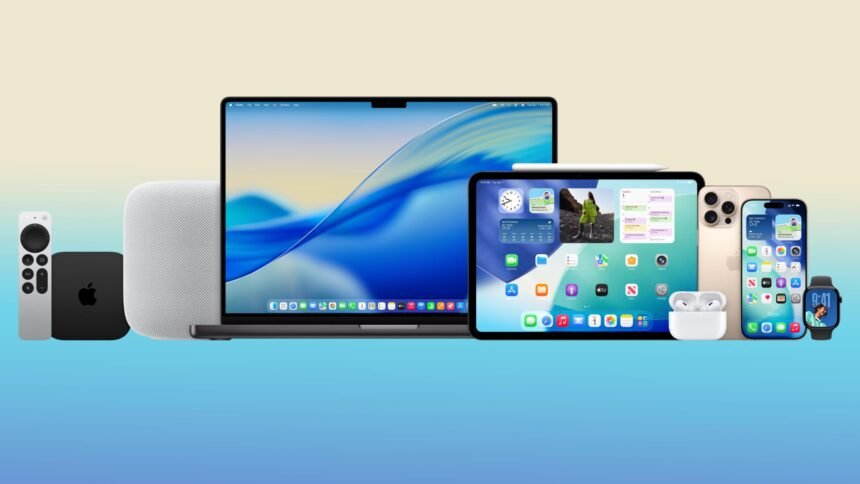
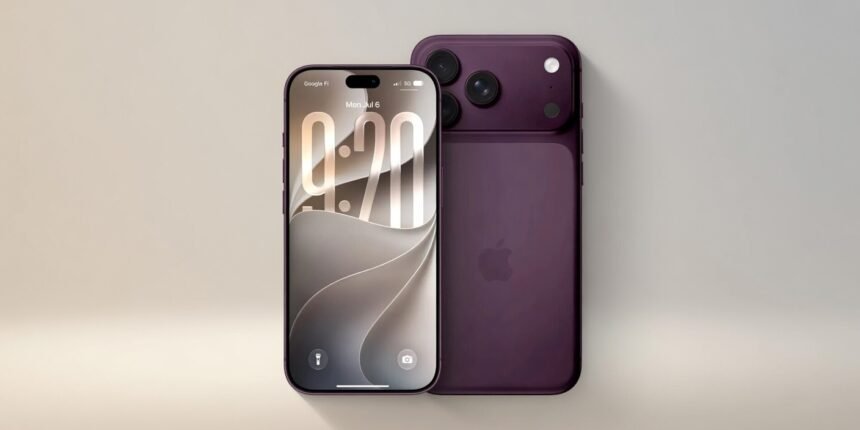
For years, sending a photo from an Android phone to an iPhone without a third-party app or cloud service felt unnecessarily complicated. AirDrop has always been one of those features that iPhone users wave in front of Android users as proof of a superior ecosystem. That argument just got a lot weaker. The June Android drop finally rolled out Quick Share to AirDrop compatibility, allowing Android users to send files directly to an iPhone user nearby.
This is easily one of the most practical New Android Features to arrive this year. To use it, the iPhone recipient needs to have their AirDrop set to receive from everyone for ten minutes. The Android sender uses Quick Share as normal. There is also a reverse mode, where an iPhone can send to an Android device, as long as the Android user has Quick Share’s receive mode turned on. A QR code scan-to-share option is also available as a backup when the direct method does not work.
The honest caveat is that this feature is not available on every Android device yet. Currently, it works on a selection of Samsung Galaxy, Pixel, Xiaomi, OnePlus, Oppo, Vivo, and Honor models. Support should expand over time. There is also the open question of whether Apple might quietly turn off third-party AirDrop compatibility down the road. For now, though, it works, and it makes life meaningfully easier for anyone in a mixed Android and iPhone household or social group.
Final Thoughts on the June 2026 Android Update
June 2026 was not an overwhelming update month for Android, but what arrived was thoughtful and well-targeted—the New Android Features this month cover safety, convenience, creativity, reading, and cross-platform compatibility. At least one of them is almost certainly going to matter directly to your daily life. Whether it is the peace of mind from Fake Call Detection, the freedom of Quick Share working across to iPhone, or the simple joy of scanning an outfit you love, these additions feel like Google is paying attention to how people actually use their phones.
Android 17 is still on its way and promises a much bigger feature wave later in the year. But for now, the June New Android Features are worth exploring. Open your Google Phone, Play Books, or Quick Share settings today and see what has changed. At Paradox Technology, we always recommend staying current with your Android updates because the improvements are often more impactful than the update notes suggest. The best features are the ones that quietly improve your day without asking you to change how you work.